

SOC 2 Compliance for Budgeting Software: What Finance Leaders Need to Know
SOC 2 helps organizations evaluate a budgeting software provider’s controls for protecting sensitive financial ...
Read More3 min read
 Martus Solutions
December 10, 2024
Martus Solutions
December 10, 2024
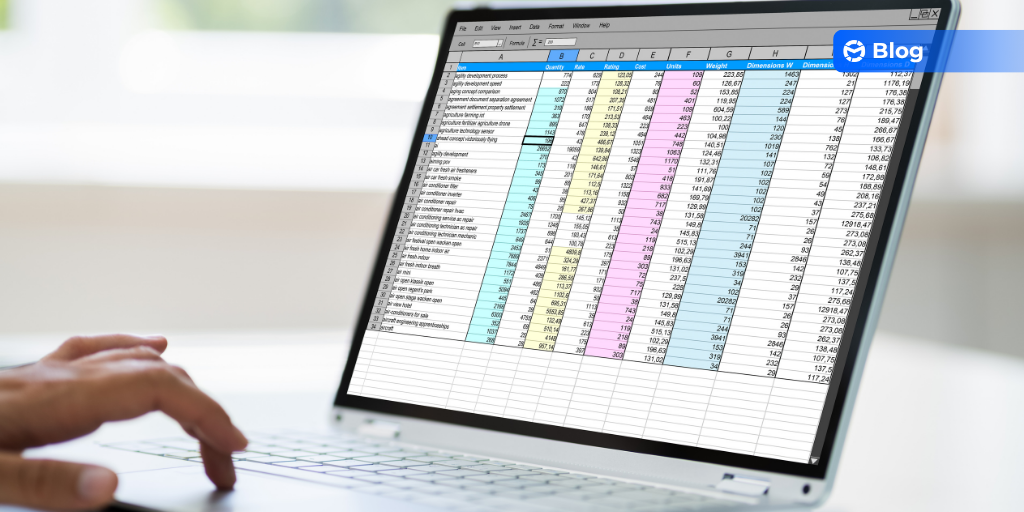
Spreadsheets have been a staple in organizational management for decades. Their flexibility and accessibility make them indispensable for many tasks. But when it comes to collaborative budgeting, spreadsheets often fall short. Let’s explore where spreadsheets excel, and why budgeting might not be one of their strengths.
Spreadsheets shine in data organization. Whether it’s tracking volunteer hours, donor contributions, or inventory levels, their grid-based design makes it easy to input, sort, and filter data. With formulas and sorting tools, you can quickly extract insights from raw data. For one-off projects or smaller datasets, spreadsheets are hard to beat.
With their ability to handle complex formulas, spreadsheets are excellent for financial calculations, projections, and even resource allocation. You can experiment with formulas to quickly understand cost breakdowns, fundraising goals, or program expenses. For simple and straightforward calculations, spreadsheets remain a reliable choice.
Most spreadsheet software includes built-in tools to create visualizations like charts and graphs. Whether you’re presenting quarterly expenses or breaking down donor demographics, spreadsheets make it easy to communicate information visually without requiring extra tools.
Spreadsheets are widely accessible and budget-friendly. Tools like Google Sheets are even free, making spreadsheets a natural choice for organizations working within tight financial constraints. This low barrier to entry makes them a default tool for many small businesses and nonprofits.
For tasks involving a single user or a small team—such as preparing lists, tracking short-term projects, or brainstorming ideas—spreadsheets offer simplicity and functionality. They allow users to work quickly without needing specialized training or software.
While spreadsheets are invaluable for many tasks, budgeting is a different beast. Collaborative budgeting, in particular, involves input from multiple stakeholders, frequent updates, and a need for transparency—all areas where spreadsheets struggle.
The pitfalls of using spreadsheets in budgeting include:
When multiple people are involved in budgeting, spreadsheets can become a source of frustration. Sharing files leads to version-control issues, accidental overwrites, and confusion over which version is the most up-to-date. Real-time collaboration is nearly impossible without turning to external tools, which adds unnecessary complexity.
Spreadsheets are notorious for errors. A single misplaced decimal or formula can skew an entire budget. Studies have shown that most spreadsheets contain errors, and the manual nature of input increases the risk. For critical tasks like budgeting, where accuracy is key, these risks make spreadsheets a less-than-ideal choice.
Budgeting requires anticipating different scenarios, from funding increases to unexpected expenses. Spreadsheets don’t have the tools to model multiple “what-if” scenarios effectively. This limits an organization’s ability to plan for contingencies and respond to change.
Spreadsheets lack the robust security features needed to handle sensitive financial information. Permissions, approvals, and audit trails are difficult to manage, making it harder to maintain accountability and control. Transparency is also limited, as stakeholders may struggle to access and understand the data.
Dedicated budgeting software offers solutions to the challenges that spreadsheets can’t address, providing tools designed specifically for modern financial management. There are solid and profitable reasons to use Martus, including:
Unlike spreadsheets, budgeting software allows multiple users to collaborate simultaneously. Changes are updated in real-time, eliminating version-control headaches and ensuring everyone works from the same data.
Budgeting software automates calculations and data validation, significantly reducing the risk of errors. With a centralized platform, teams can trust that the numbers are accurate and consistent.
With built-in scenario-planning features, budgeting software makes it easy to explore different financial possibilities. Organizations can anticipate challenges and opportunities, enabling smarter, more informed decision-making.
Budgeting tools provide better security with features like encryption, role-based permissions, and audit trails. This ensures that sensitive financial information remains protected while still being accessible to authorized users.
Automated workflows and centralized data save time, allowing teams to focus on strategic planning rather than manual updates and troubleshooting.
Spreadsheets are a fantastic tool for many organizational tasks. But when it comes to budgeting, their limitations become apparent. For organizations looking to streamline budgeting, improve collaboration, and reduce errors, investing in a dedicated budgeting solution is the next logical step. Tools like Martus offer the features and flexibility to empower teams and enhance financial management.
With features like real-time collaboration, robust reporting, and flexible forecasting, Martus simplifies budgeting and empowers your team to make confident financial decisions. Ready to say goodbye to clunky spreadsheets and hello to clarity? Take a look at how martus can transform your budgeting process.
SOC 2 helps organizations evaluate a budgeting software provider’s controls for protecting sensitive financial ...

ATLANTA, Oct. 7, 2026 — Martus Solutions, a budgeting and reporting platform for mission-focused organizations, ...

Sage 50 helps organizations manage their accounting. But when budget season arrives, many finance teams still rely on a ...

Why Is Scaling Advisory Services So Hard for Accounting Firms? Talk to accounting firms today, and you’ll hear a ...

When leadership sees a proposal for budgeting, the first question is often: How much will it cost? That is a fair ...

When your budget cycle drags on for weeks (or months, in some cases) and department heads dread opening shared files, ...