Martus vs. Excel
Move beyond spreadsheet chaos with Martus' connected budgeting, reporting, forecasting and AI powered insight.

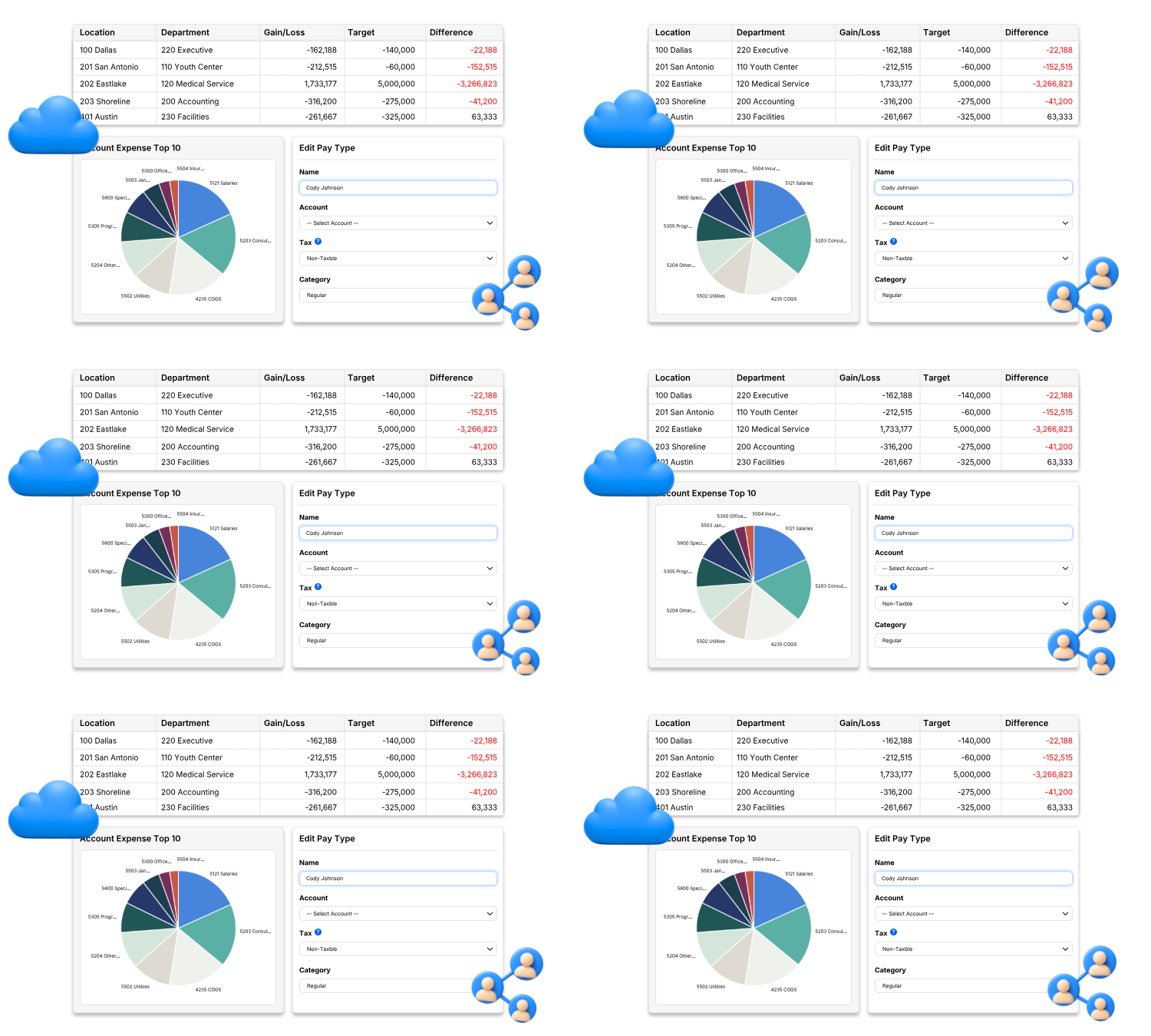
Excel is flexible, familiar, and useful. But as budgets expand across departments, programs, grants, and entities, the spreadsheet often becomes the process: files are copied, formulas are repaired, submissions are consolidated, and reports are rebuilt before leaders can act.
Martus gives finance teams a purpose-built planning environment connected to their accounting data. Collaborate in controlled worksheets, compare budgets to current actuals, drill into transaction detail, update forecasts, and build reusable reports without managing a web of disconnected files.
Keep Excel for ad hoc analysis. Use Martus to plan, run, and report on the budget.












One Source of Truth
Excel can support co-authoring when files are stored in a compatible Microsoft 365 environment. But even then, collaborative budgeting is nearly impossible to govern when teams create copies or new versions, work offline, email updates, change formulas, or submit separate disconnected files for consolidation.
Martus centralizes budget worksheets, permissions, approvals, actuals, forecasts, and reports. Department leaders work in the same controlled process while finance retains visibility into status and access.
Current Actuals, Down to the Transaction
Spreadsheet reports are only as current as their last import, query refresh, or manual update.
Martus connects to existing accounting systems, refreshes actuals on a scheduled basis, or can be updated on demand. Users can move from budget-to-actual results to transaction-level detail and supporting attachments as provided by the accounting integration.
Forecasting That Doesn't Overwrite the Plan
In Excel, scenarios often live in copied tabs or separate workbooks, leaving finance to track assumptions and determine which file is authoritative.
Martus lets teams create reforecasts from budgets and current actuals while keeping the approved plan available for comparison. Organizations can easily add multi-year what-if scenario modeling, personnel planning, and cash-flow forecasting as their needs change.
Martus vs. Excel - At A Glance
| What You Need | Martus | Excel |
|---|---|---|
|
Budget Ownership
|
Centralized budgets, worksheets, roles, and status
|
Ownership and controls depend on workbook design and file-management discipline
|
|
Collaboration
|
Structured participation for finance and department leaders
|
Co-authoring is available in supported Microsoft 365 environments; copies and unsupported versions can fragment the process
|
|
Accounting Data
|
Supported integrations refresh actuals nightly and on demand
|
Data must be imported, linked, queried, or refreshed through a process the team maintains
|
|
Variance Analysis
|
Budget-to-actual reporting by account and dimension
|
Requires formulas, pivots, queries, or templates built and maintained by the team
|
|
Drill-Down
|
Transaction-level detail and attachments when supplied by the integration
|
Depends on whether transaction detail was imported and how the workbook was designed
|
|
Forecasting
|
Reforecasting across packages; advanced multi-year and cash-flow capabilities available
|
Highly flexible, but scenarios, assumptions, and version control must be designed and governed
|
|
Audit Visibility
|
Role-based access and activity logging within the planning platform
|
Show Changes and Version History help, but some edits and actions are not shown and tracking depends on compatible use
|
|
AI
|
Natural-language report building, support, and financial-data questions through Martus Intelligence
|
Excel AI capabilities depend on Microsoft licensing, workbook structure, and the surrounding Microsoft 365 environment
|
Can We Replace Manual Spreadsheet Collection and Consolidation?
Yes. Martus puts finance in control. Budget owners are given controlled access to the worksheets and dimensions relevant to them. Finance can monitor progress, manage approvals, and consolidate inputs inside one platform instead of emailing templates and merging files. Learn more about collaborative budgeting.
Martus
-
One centralized budgeting process
-
Role and dimension-based permissions
-
Collaborative worksheets and approval workflows
Excel
-
Multiple files or tabs can require manual coordination
-
Controls depend on workbook protection and storage practices
-
Finance often owns collection, validation, and consolidation
Can I Trace a Variance to the Transaction?
Martus users can easily analyze budget-to-actuals. These results are by account and dimension, then users can drill into transaction-level detail. Vendor information and attachments are available when supplied by the accounting integration. That gives finance a clearer path from the board-level number to the activity behind it. Discover more about how to perform a budget variance analysis.
Martus
-
Dimensional budget-to-actual analysis
-
Transaction-level drill-down
-
Supporting detail remains connected to the report
Excel
-
Drill-down depends on imported source detail
-
Links between summaries and transactions must be built
-
Supporting files may live outside the workbook
Can I Reforecast Quickly When Plans Change?
Martus includes reforecasting across its packages. Users can create an updated forecast in minutes using an existing budget, current actuals, or both. The approved plan remains available for comparison, while advanced packages support multi-year what-if analysis, cash-flow forecasting, and projected balance sheets. Learn more about Martus’ forecasting capabilities.
Martus
-
Reforecast from budgets and current actuals
-
Keep approved plans available for comparison
-
Add advanced scenarios and cash-flow tools as needed
Excel
-
Scenarios often rely on copied tabs or workbooks
-
Assumptions and formulas require manual governance
-
Consolidating revised submissions can slow turnaround
How Can AI Help Us Understand the Numbers?
Martus brings AI into the financial-planning workflow. ReportBuilder Assistant helps users create and refine custom reports with natural language. Ask Marty provides in-product guidance, while Martus Intelligence is designed to let users ask questions about budgets, forecasts, and financial performance and receive summaries, visualizations, and actionable insights. Learn more about Martus’ commitment to AI & Innovation.
Martus
-
Natural-language report creation
-
AI-enabled help inside the platform
-
Conversational insight grounded in financial-planning data
Excel
-
AI capabilities vary by Microsoft 365 plan and deployment
-
Results depend on workbook structure and available context
-
The spreadsheet remains the model the team must design and govern
Trusted by Thousands of Mission-Driven Organizations
"Martus Solutions has been a real asset in evolving our budgeting process. By moving us away from manual Excel spreadsheets, the focus has shifted from just creating to actual management of our budgetary cycle."
 Laila Bueckers
Controller
Laila Bueckers
Controller
"Martus allows my entire team to keep tabs on our budget seamlessly and plan out our finances with ease. The added efficiency and speed with which we got things up and running are massive pluses."
 Bill Schankel
COO
Bill Schankel
COO
"Ditching the endless Excel sheets and cutting costs on software licenses we didn't need anymore was a breath of fresh air. Martus is secure, easy to use, and the accuracy is spot-on. Plus, with a quick implementation, we were up and running in no time."
.png?width=52&height=52&name=Untitled%20design%20(24).png) Chris Ockerman
Director of Administration
Chris Ockerman
Director of Administration
"Martus has helped our business streamline the entire budgeting process tremendously. We used to do everything on individual spreadsheets, and now it's all in one place, which helps all our managers monitor everything more efficiently as well."
 Allison Hickman
VP of Administration
Allison Hickman
VP of Administration
"The Martus software is a key tool in my day to day financial analysis, including comparing actuals versus budgeted costs. It's very user friendly and provides an easy bridge from our data in Sage Intacct."
-1.png?width=52&height=52&name=Untitled%20design%20(42)-1.png) Matthew Bredes
CFO
Matthew Bredes
CFO





Frequently Asked Questions
Excel remains valuable for ad hoc calculations, analysis, and one-off models. Martus is the stronger fit when an organization's collaborative budgeting requires repeatable workflows, ERP integration, controlled access, current actuals, dimensional reporting, forecasting, and clear accountability.
Kind of, but it depends on your definition of collaborative. Excel supports co-authoring when files are stored in OneDrive or SharePoint and everyone uses a compatible version. The challenge is not whether people can edit the same workbook; it is whether the organization can consistently govern templates, formulas, permissions, submissions, approvals, and reporting as the process grows.
Most organizations complete Martus onboarding and training within three weeks, and some implementations are completed in as little as one week depending on complexity. The process includes environment configuration, data loading, user setup, and training.
Yes. Department leaders and budget managers can enter, review, and monitor budgets without needing to understand complex spreadsheet formulas. Administrators can control access by role, function, department, and account.
Martus integrates with widely used systems including Sage Intacct, Sage 100, QuickBooks, Microsoft Dynamics 365 Business Central, NetSuite, Acumatica, Xero, Financial Edge NXT, and MIP. File-based options are available when a direct API connection is not available. Learn more about Martus’ integrations.
Yes. Reforecasts can be created throughout the year using budgets and current actuals. Add advanced multi-year forecasting, what-if scenarios, and cash-flow forecasting as your organization's needs evolve.
Martus provides role-based access, budget-management controls, approvals, and activity logging. Transaction-level drill-down also helps users trace reported results to underlying accounting activity when supported by the integration.
Excel offers Show Changes and Version History in supported Microsoft 365 environments, but Microsoft notes that some activities - including formatting changes, chart or object edits, PivotTable operations, and certain unsupported or older-version edits - may not appear in Show Changes. Copies and replaced files can also fragment the record.
Yes. Martus offers customizable reports, dashboards, charts, and KPIs. Teams can save and reuse reports, compare budgets to actuals, report across organizational dimensions, and drill from summary results into detail.
With Martus, organizations can add users and move into advanced forecasting, personnel planning, custom report building, cash-flow forecasting, projected balance sheets, and API access as requirements expand. The planning structure remains connected to the same accounting data and dimensions.
-1.png?width=175&height=45&name=Untitled%20design%20(64)-1.png)
Excel still has a place in finance.
Just not as your collaborative budgeting solution.
When you choose Martus, you get:
-
A centralized budget process instead of disconnected files and versions
-
User permissions set and managed by finance leader
-
Accounting integrations that keep actuals and dimensions connected
-
Transaction-level drill-down that preserves the approved plan for comparison
-
AI-powered report building, guidance, and financial insight
.gif?width=1211&height=720&name=Frame-4%20(2).gif)
See what budgeting looks like when your people-not just your spreadsheets-are connected.